SSH
Secure Shell (SSH)
The Secure Shell protocol, or SSH, is a method of secure remote login from one computer to another.
To follow this tutorial, we need a device set up with a VPN. If you don’t have a device set up, start with the Quickstart tutorial, then follow the Connect to the Arm Virtual Hardware VPN tutorial. Otherwise, use a device with the VPN already set up.
How to Connect
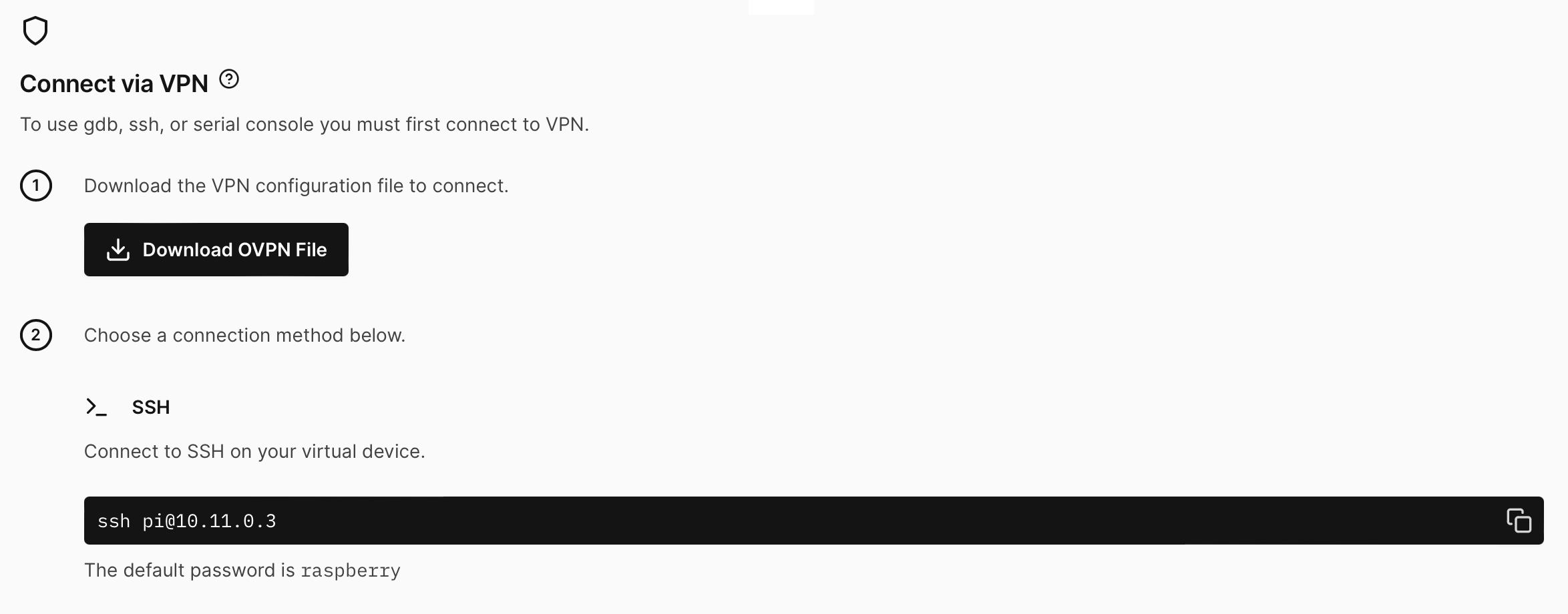
- On your device page, click CONNECT and scroll down to the advanced options. Then copy the ssh command.
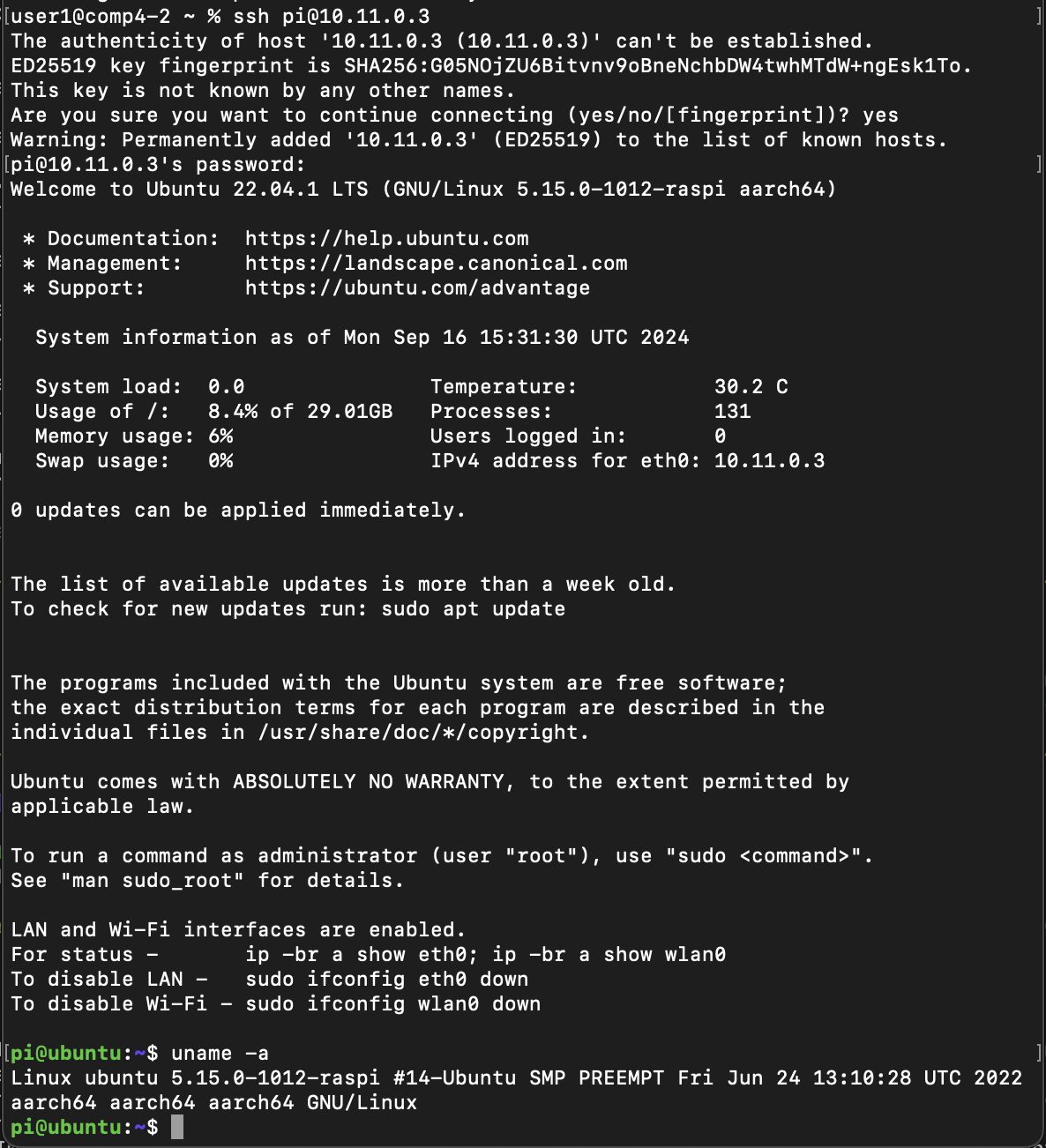
- Open up a local terminal, paste the ssh command to connect, and press the enter key. In our example, it is
ssh pi@10.11.0.3. Then enter the passwordraspberry.
Troubleshooting
If you are attempting to SSH to a device running linux in the cloud, and you are unable to establish a connection, check with your system administrator about your local network settings, as certain configurations can block this connection.