Location
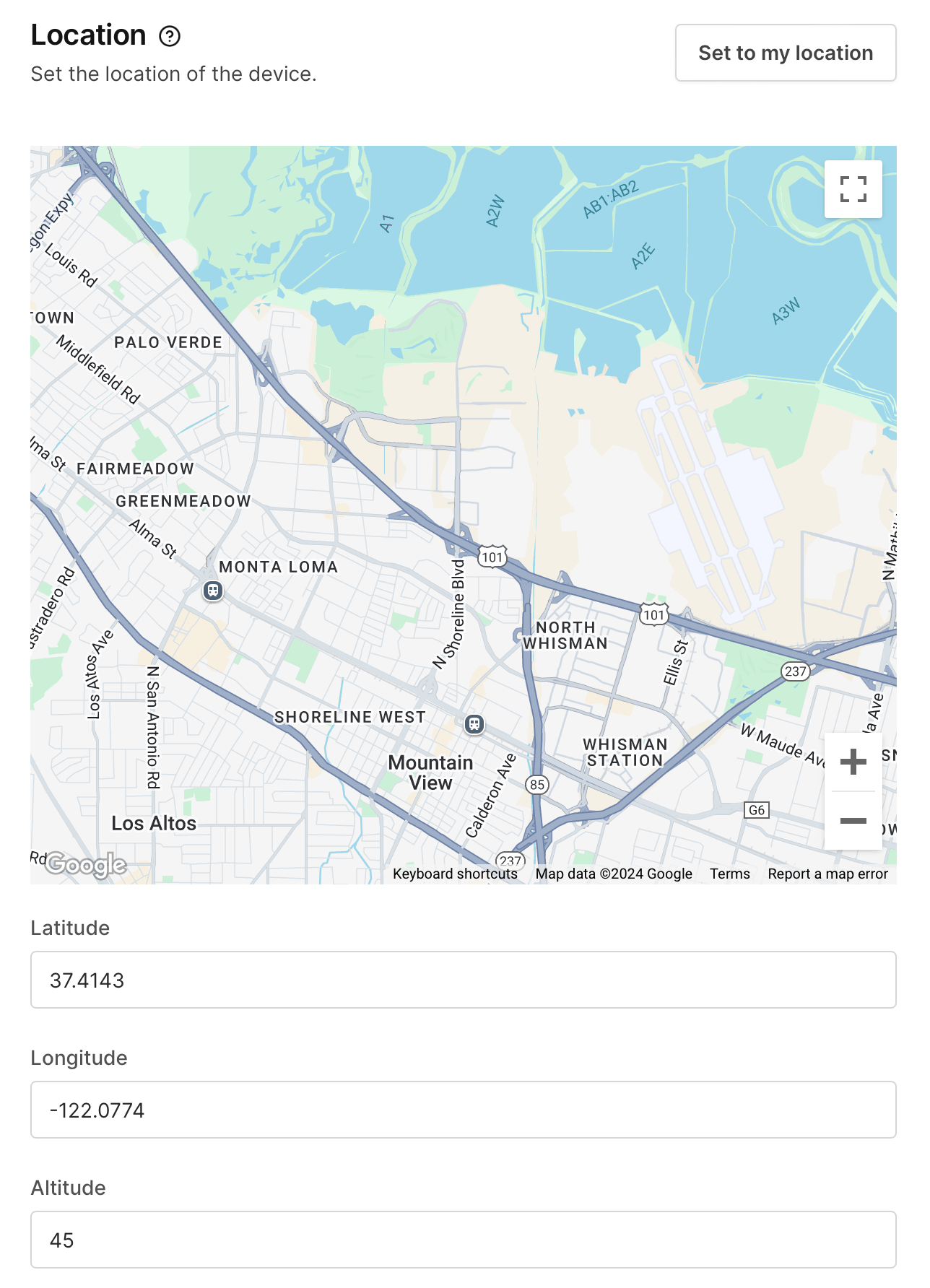
Visit Sensors > Location for supported devices. This screen will allow you to set the Latitude, Longitude, and Altitude using the provided entry boxes. You can also navigate to a latitude/longitude of your choice by moving the map to the location of interest.
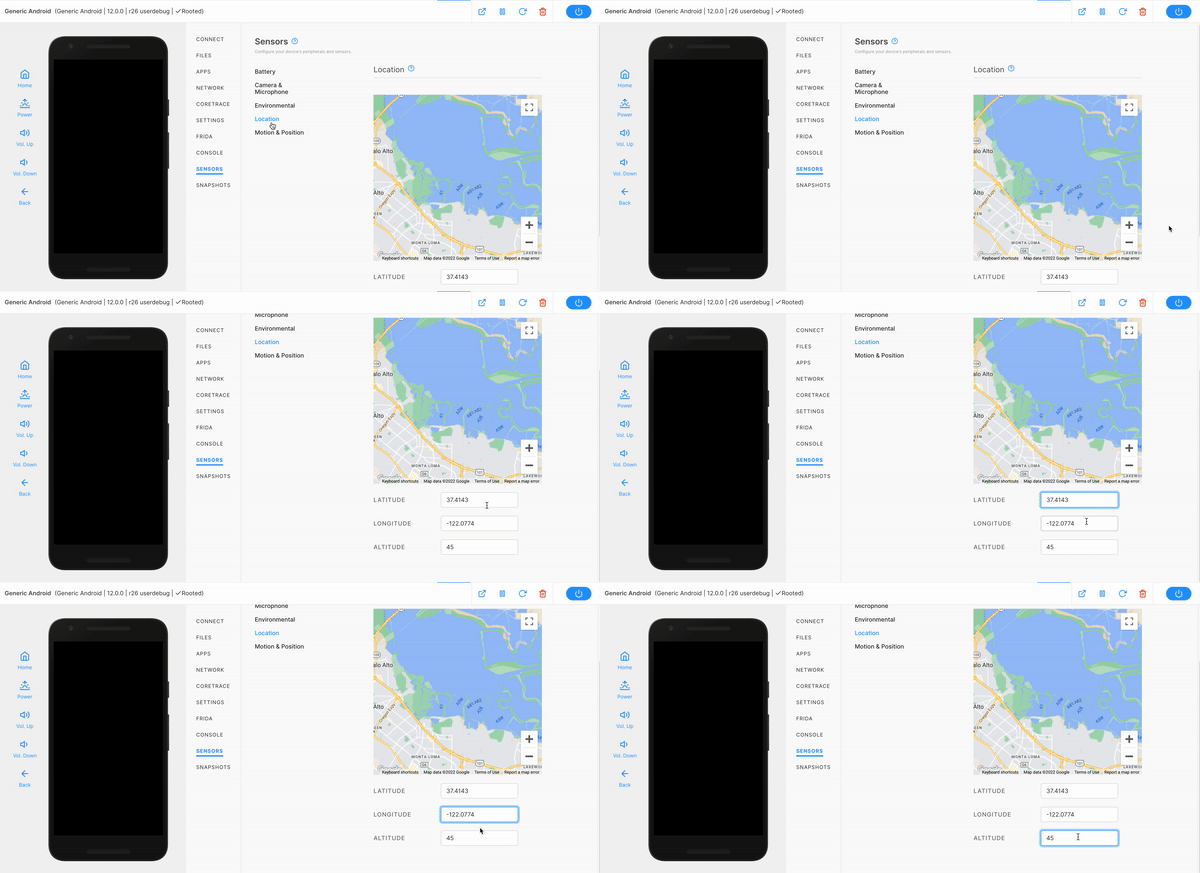
On Android
Note that these values are provided to the Android system as a GPS hardware change. This means you can read them utilizing the direct permissions android.permission.ACCESS_FINE_LOCATION and android.permission.ACCESS_COARSE_LOCATION.
Directly using location data
Ensure that the application you are trying to test has direct access to the GPS by requesting the correct permissions you would like, either android.permission.ACCESS_FINE_LOCATION or android.permission.ACCESS_COARSE_LOCATION.
A good Android application to test the changes for this is SatSat, which is open-sourced and can be found on F-droid or the GitHub page for the source code. You can also reference a JavaScript example for requesting and accepting the GPS data inside a WebKit component can be tested from GitHub and find the source code on the GitHub page.