Model Parameters
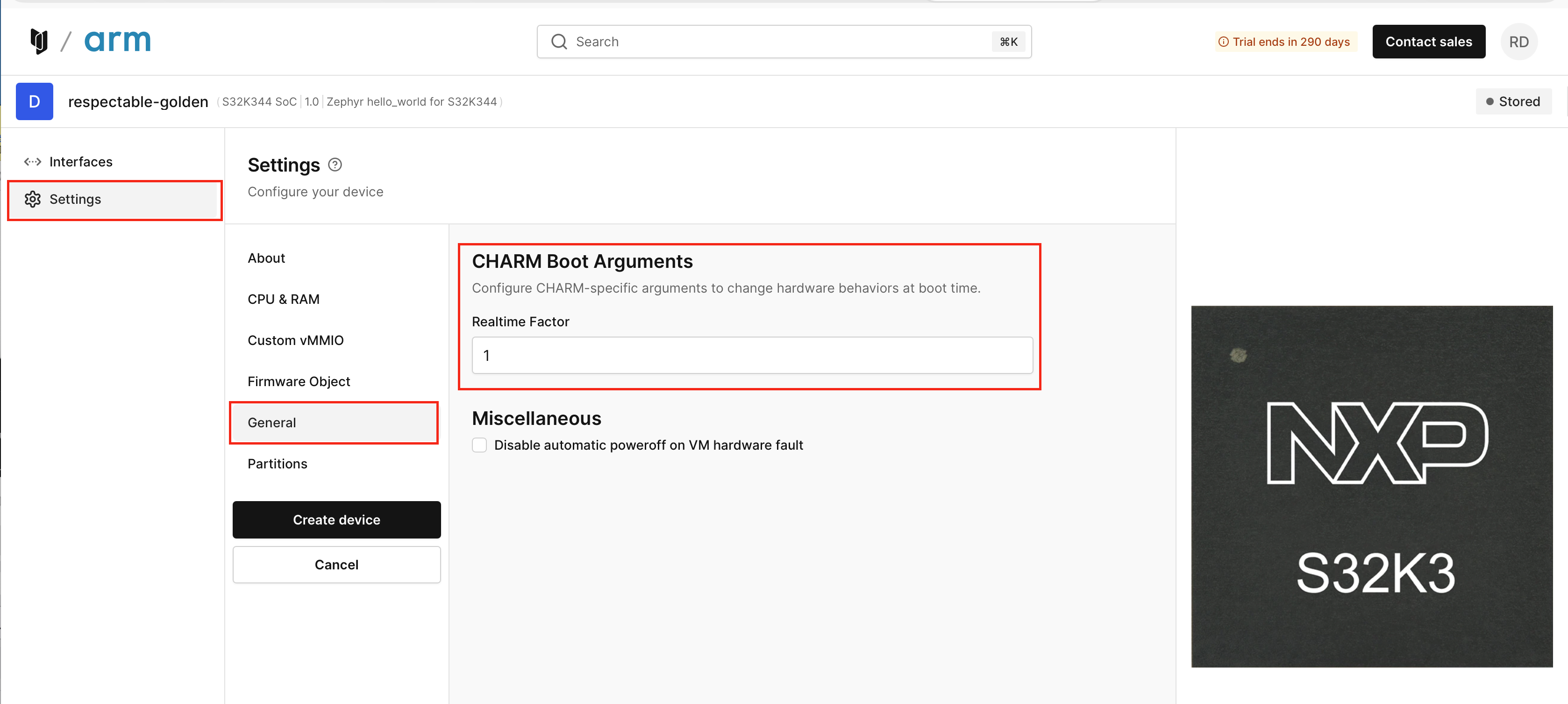
Model parameters, are specific configuration parameters passed to models from the CHARM hypervisor at model boot time. The specific definition of any model parameter is models specific and thus documented in the Details section of the model. The most common uses are to set low level configuration of a model, such as setting a Realtime Factor to slow down execution of a model, or to select between versions of a model, for example with and without Hypervisor support.
Be sure to stay within defined values or data types as passing bad data is unlikely to result in good outcomes.
To customize model parameters on your virtual device, in the Settings tab simply select Advanced Boot Options, open the General subtab, modify the appropriate text field, then click Create device. Note that once created you can view but not modify the model parameters in the Settings tab once the virtual hardware is created.