CPU Cores, RAM, and Storage
On applicable Corellium devices, you can modify the underlying number of CPU cores and RAM allocated to your virtual device.
Modify CPU Cores and RAM
CPU/RAM settings can be modified in three places:
New Devices
-
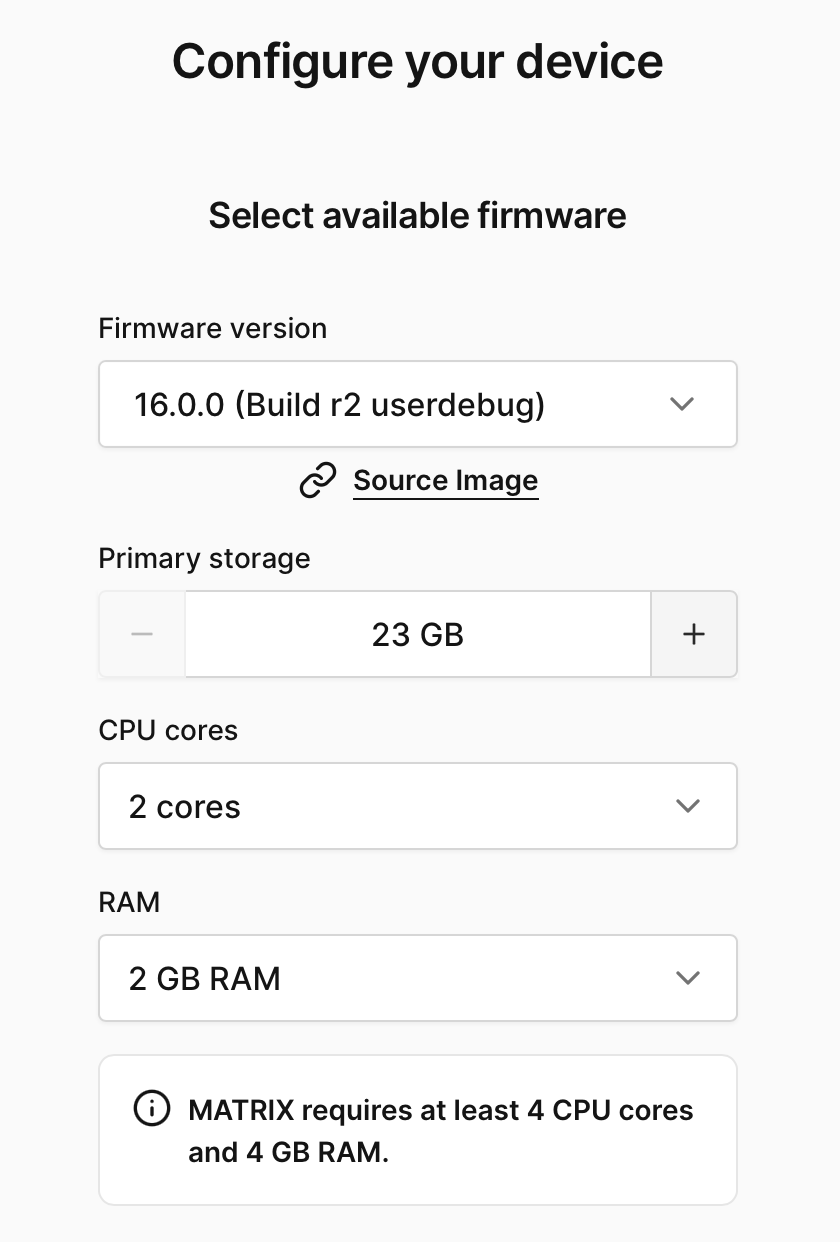
Configure Your Device Page – Allows you to set Primary storage, CPU, & RAM during device creation
-
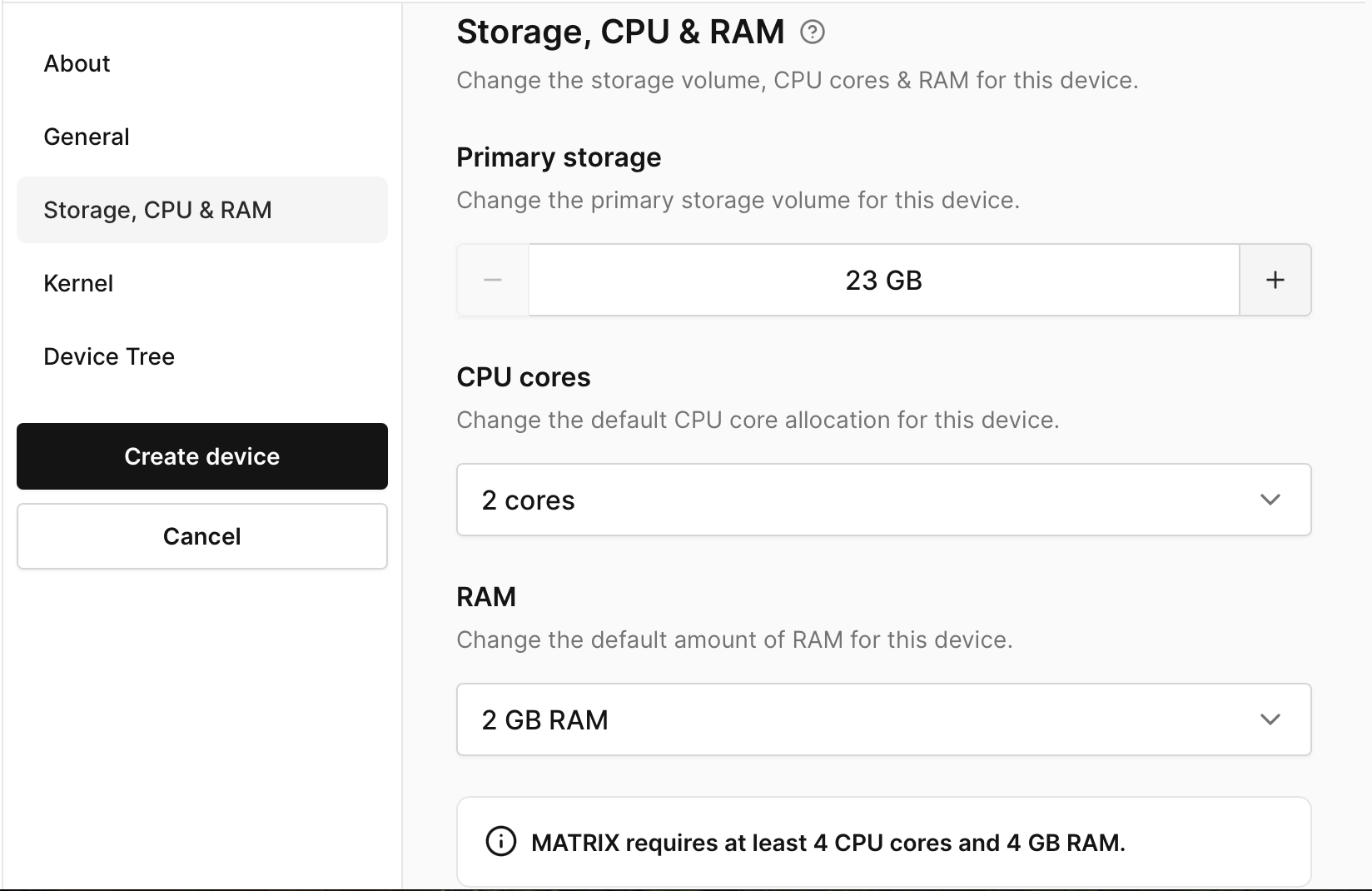
Advanced Boot Options – Allows you to adjust Storage, CPU & RAM before first boot
Existing Devices
- Device Settings - If your virtual device is ON, changing the hardware configuration will require a reboot to change your device's CPU or RAM:
A. Click on the Settings tab then the Storage, CPU & RAM tab.
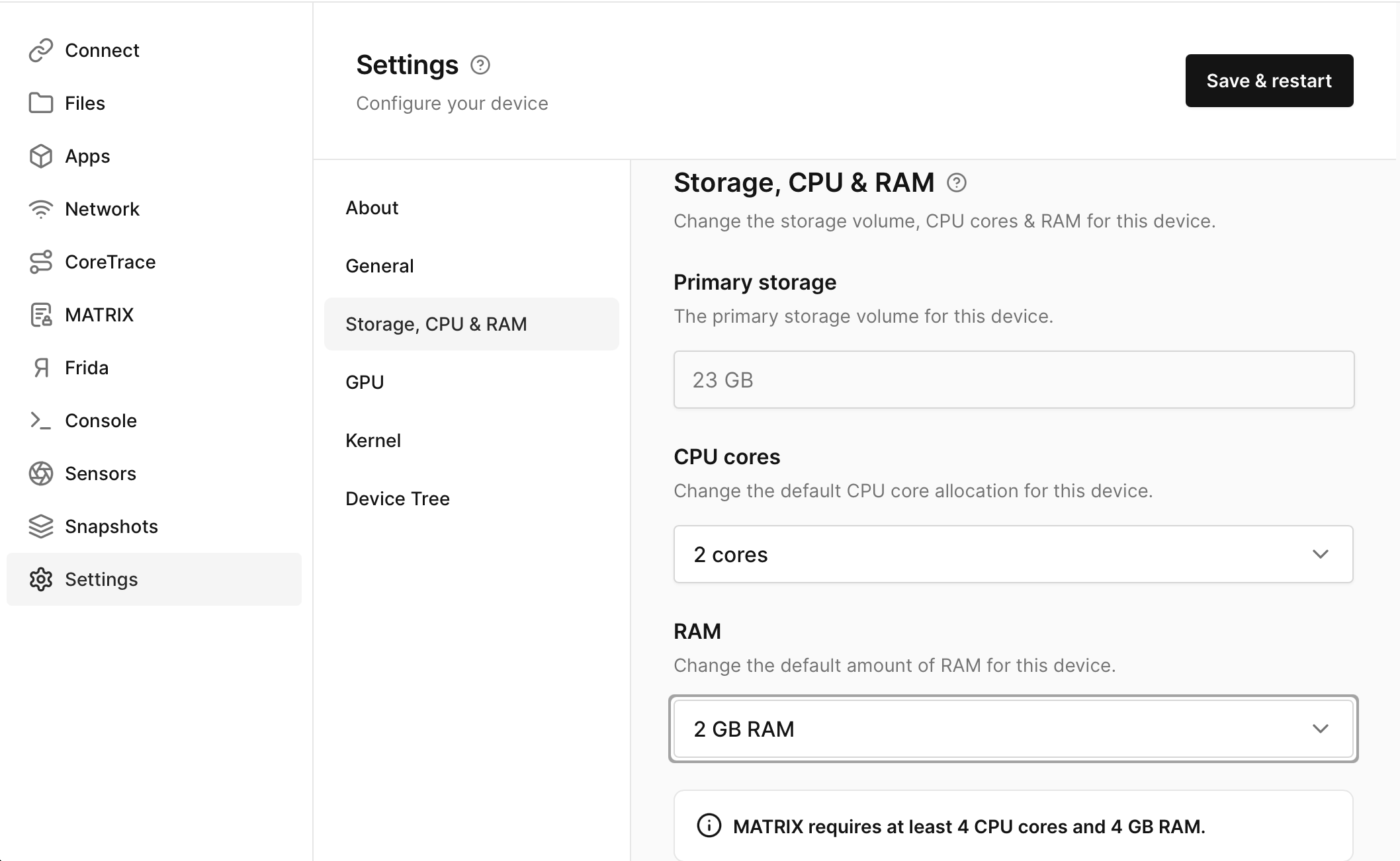
B. Change the preset values to your determined ones.
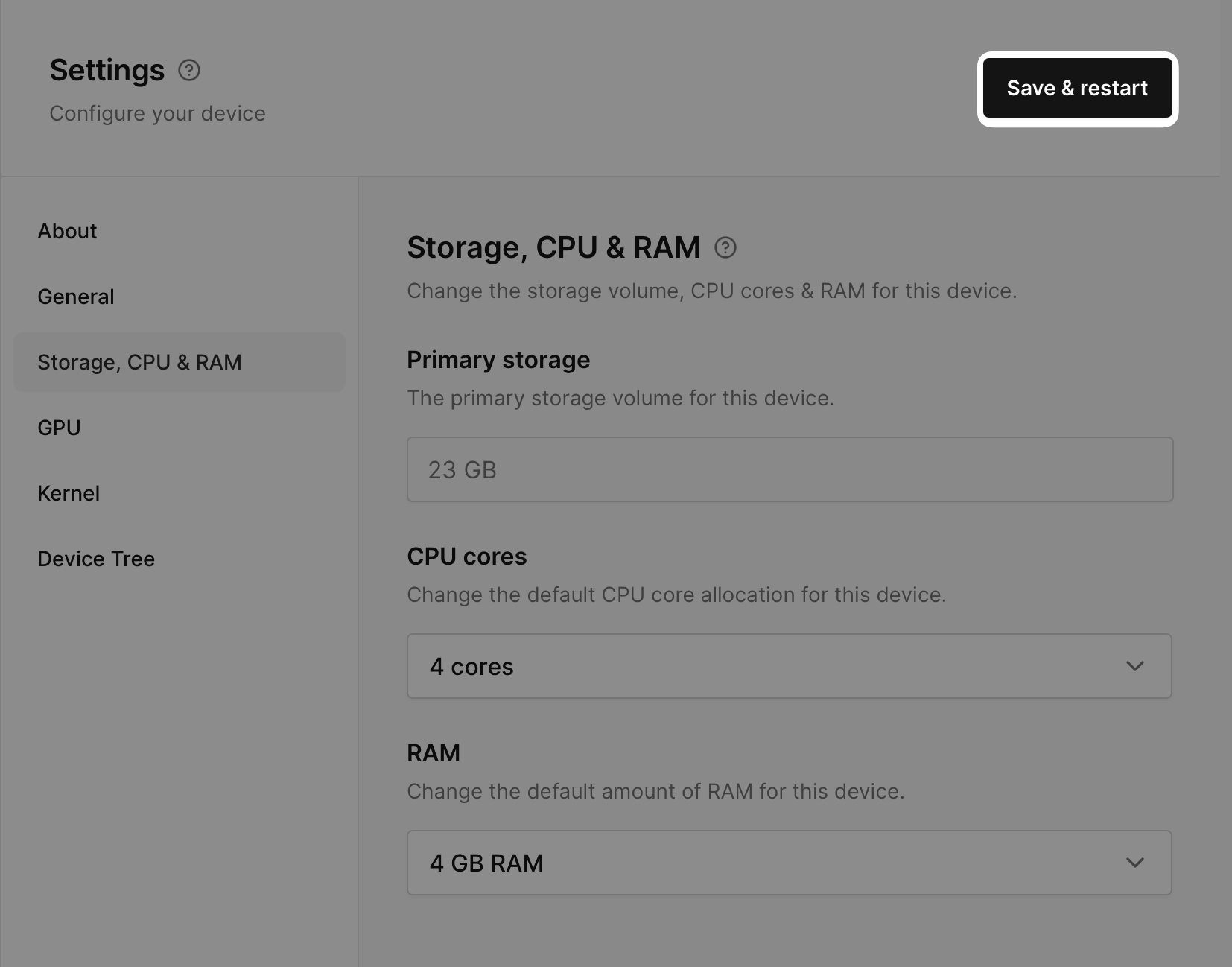
C. Click Save & Restart to apply changes.
Storage Configuration
note
You can configure your primary storage only at device creation time.
Details of configuration limits can be found on the per device Details pages such as Raspberry Pi 4 Details.