How to Download Copies of Stock Firmware
This article will show you how to download the variety of stock firmware that is available for your use. Note that Atlas uses the Coreimage Package to store the individual firmware objects.
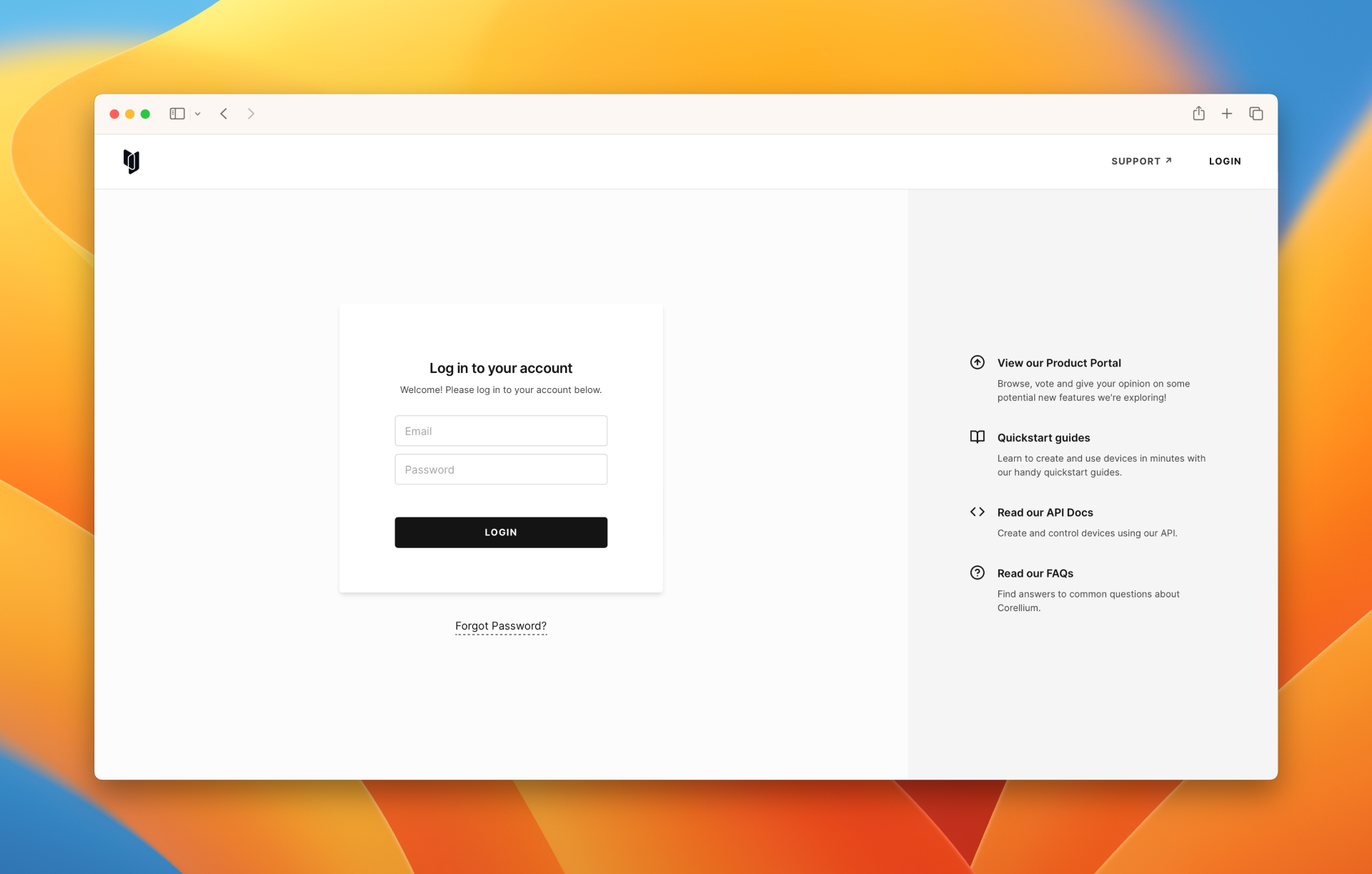
- Sign in to your Arm Virtual Hardware account.
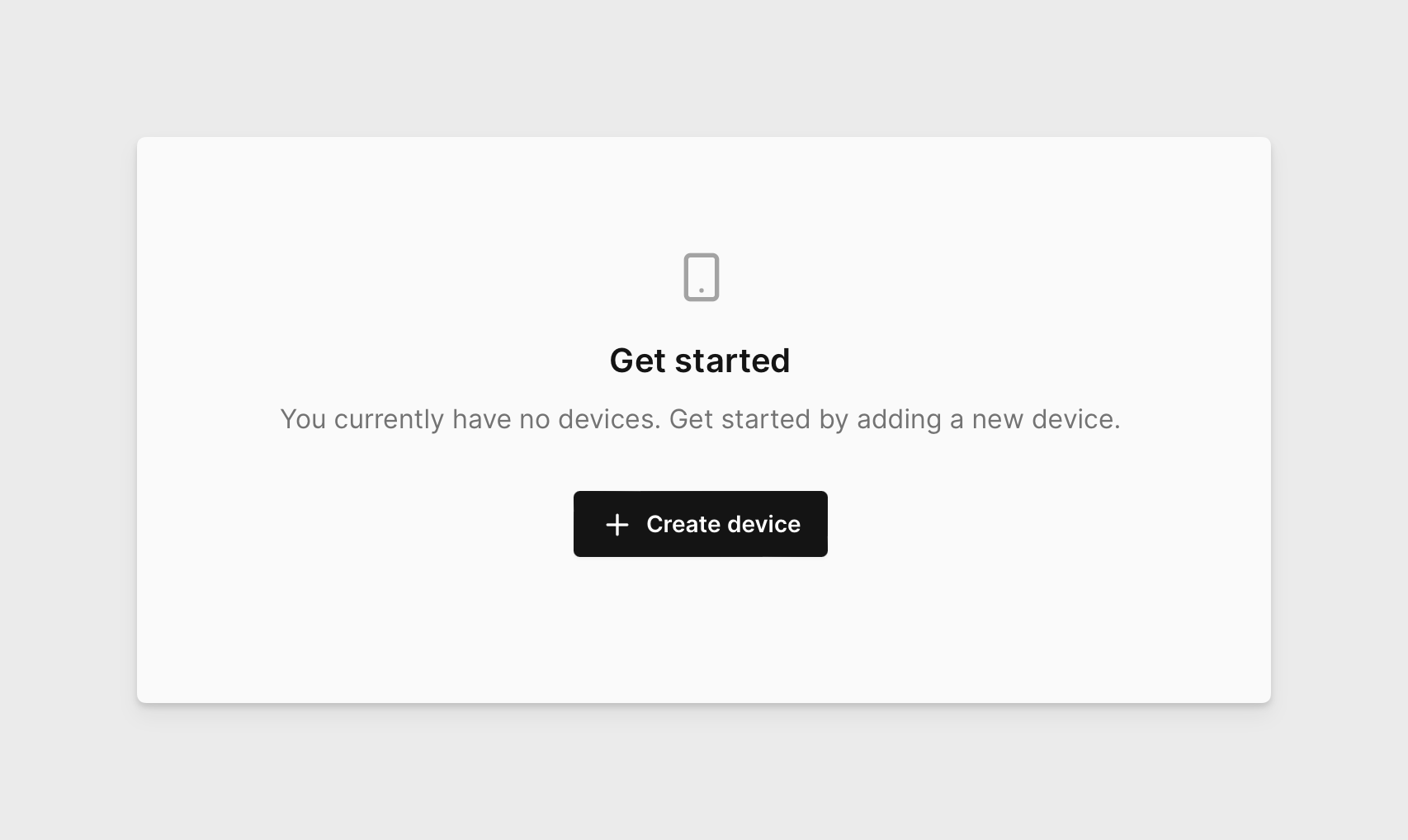
- On the devices page, click Create Device
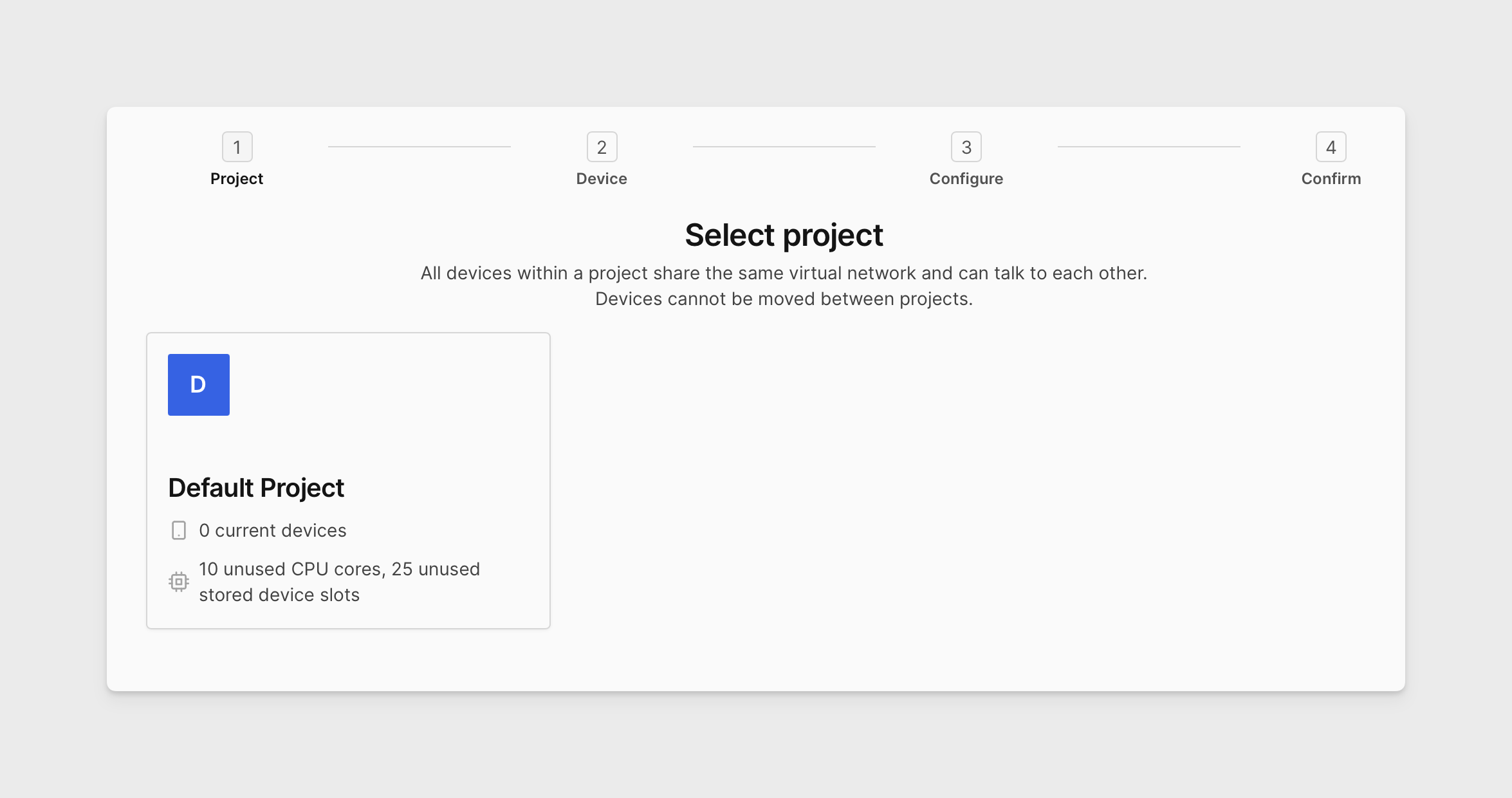
- If you're on an Enterprise domain, choose your project.
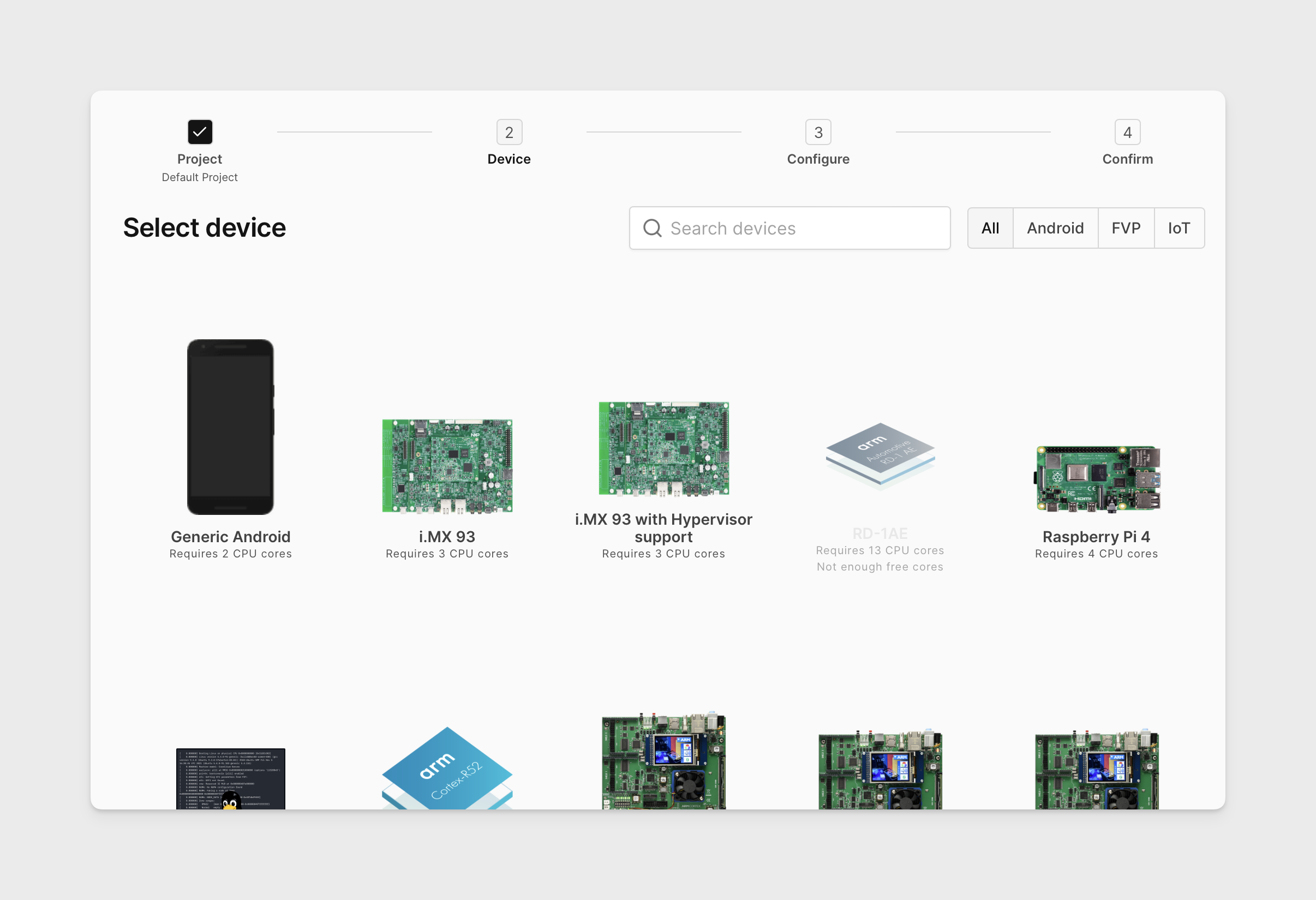
- Select the device you'd like to download the firmware of, then click Next.
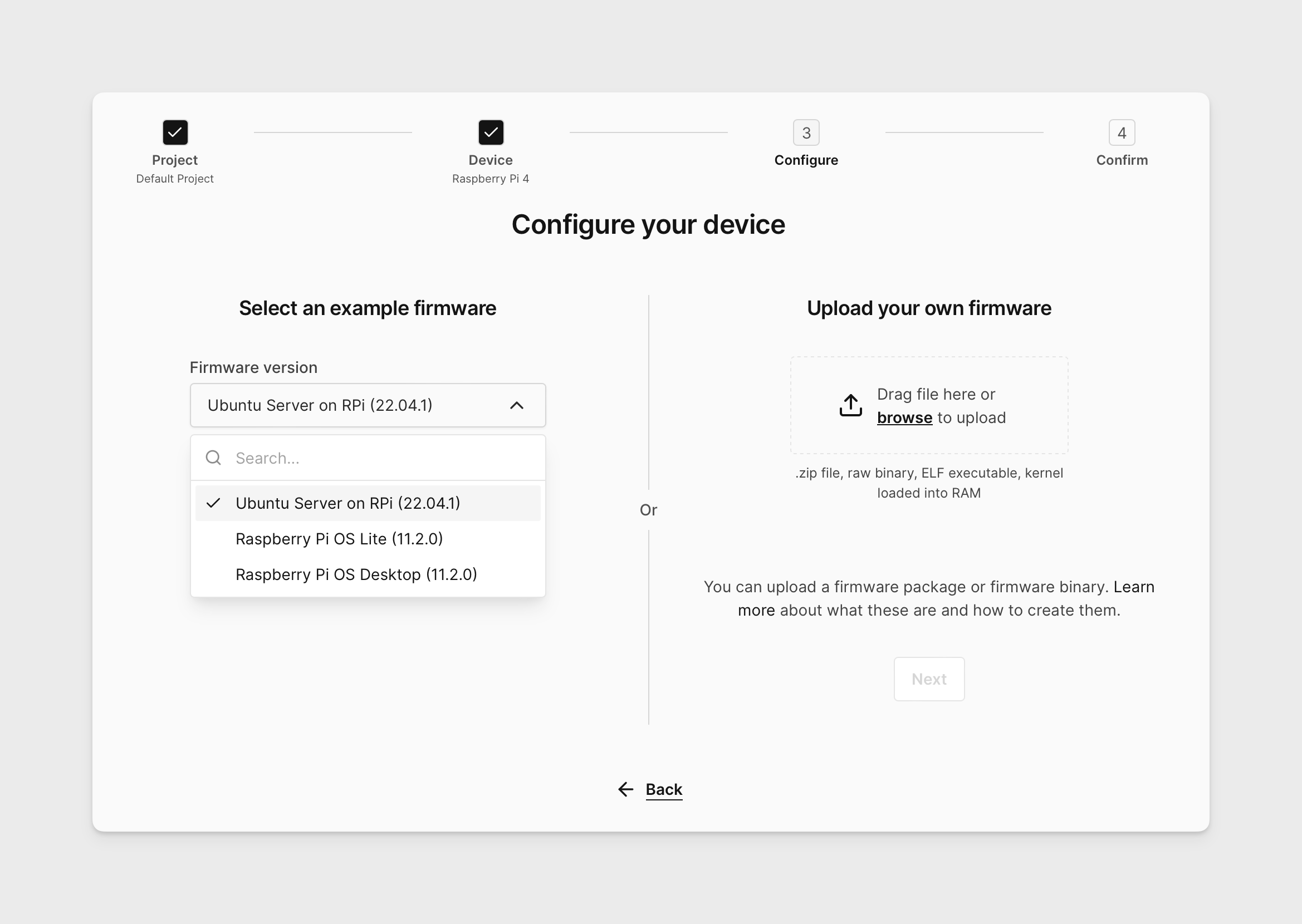
- Click the arrow to see a list of available coreimage packages.
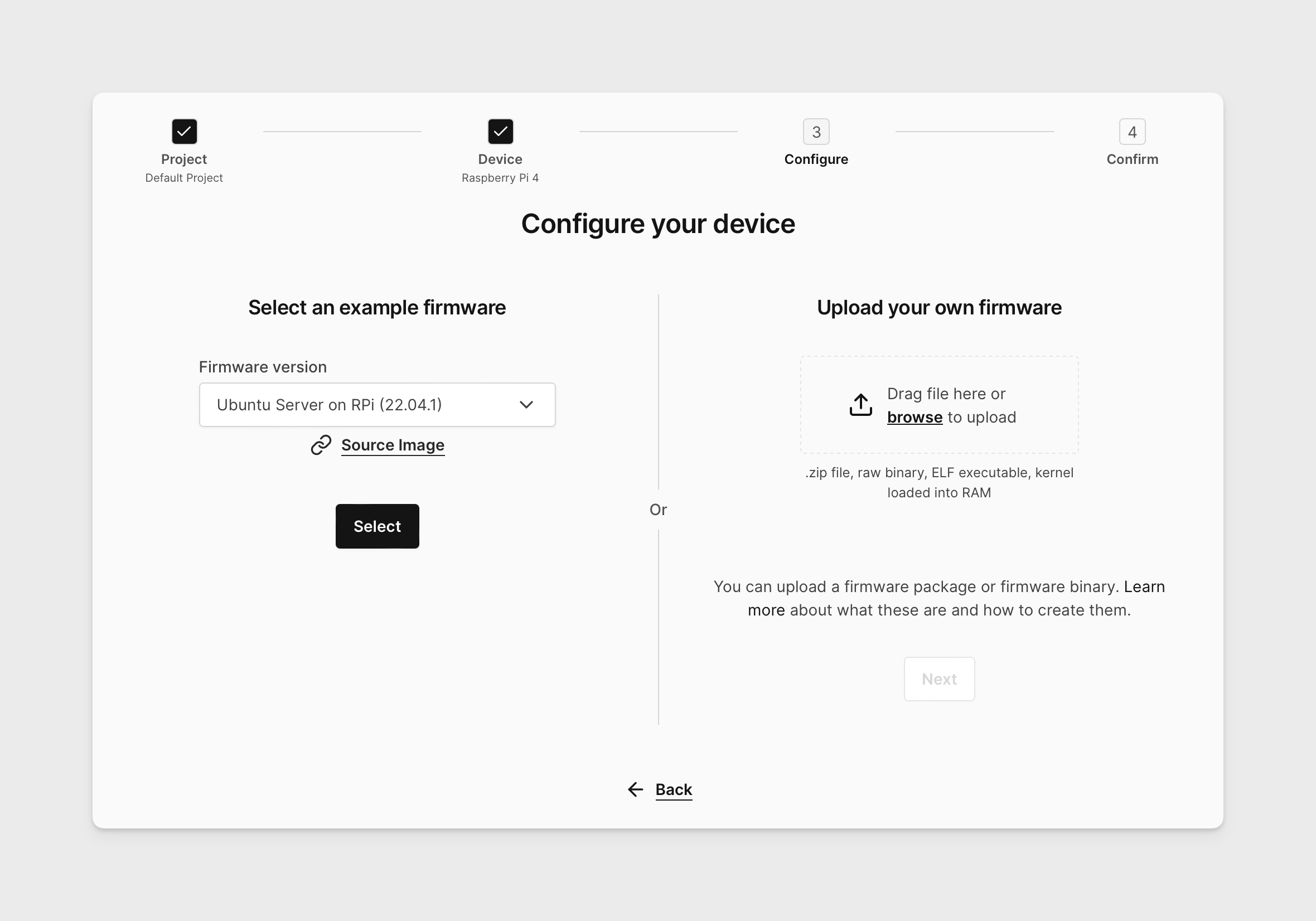
- Click Source Image to download the coreimage package you chose.
-
Unzip the coreimage package once the download completes.
-
You should see a directory containing the contents as described in MCU Firmware Packages or Linux Firmware Packages article.